Your company files, fully encrypted.
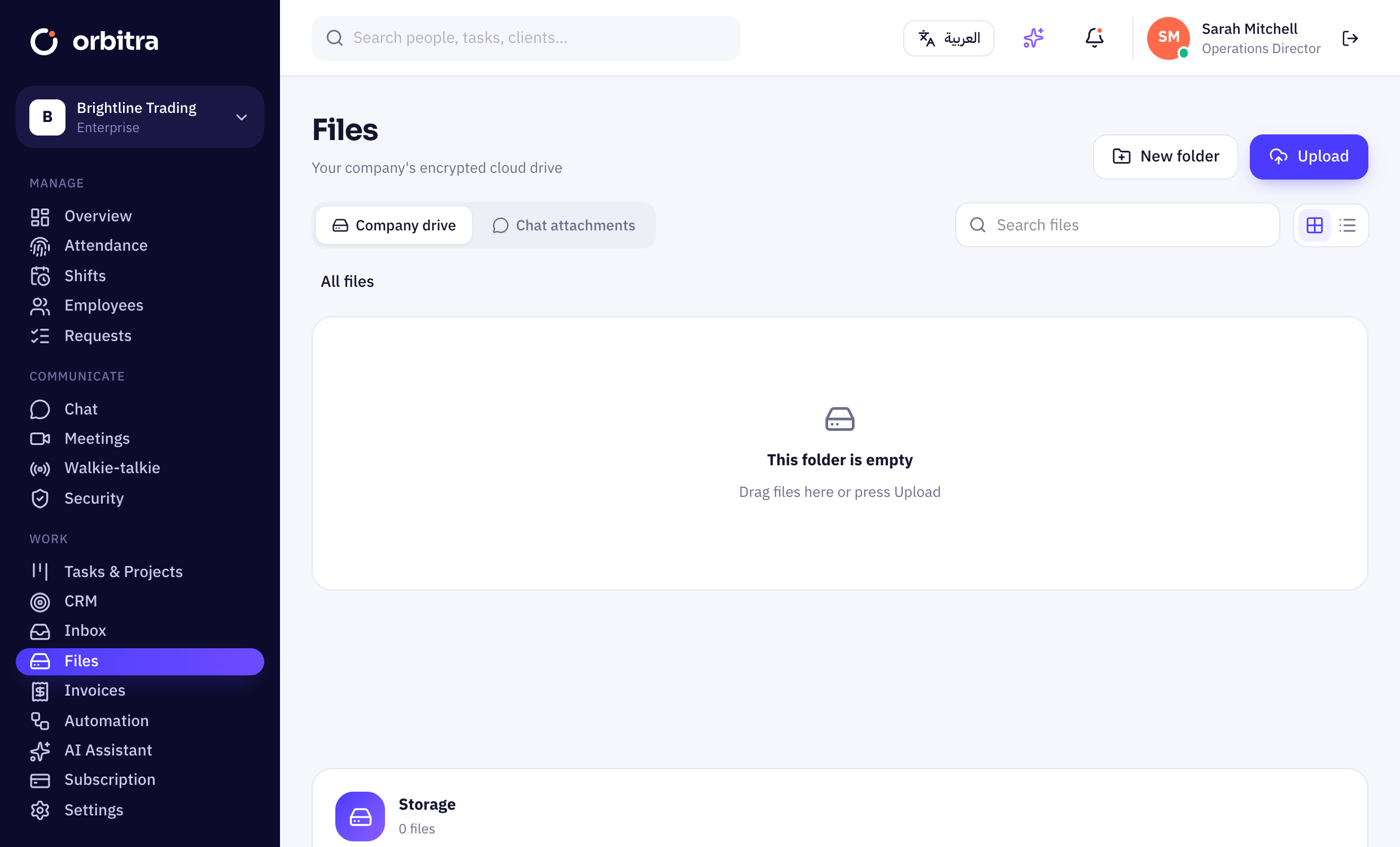
A cloud drive for every company — folders, search, drag-and-drop uploads and expiring share links. Every file is encrypted with AES-256 before it is stored, and every link stays on your Orbitra domain.
14 days free · no credit card · English & Arabic
Everything you need for encrypted cloud storage.
AES-256 for every file
Each file gets its own encryption key before it leaves the platform — the storage layer only ever sees ciphertext.
Keys unique to your company
File keys are wrapped with a key that belongs to your company alone.
Folders & search
Organise contracts, invoices and HR documents the way your team works.
Drag-and-drop upload
Drop files from your desktop or phone, with live progress.
Expiring share links
Share a file with a client for 1, 7 or 30 days — and switch it off any time.
Chat attachments included
Files sent in chat live in the same encrypted storage and count toward the same quota.
Up and running in minutes.
Upload
Drag files in or pick them from your device.
Organise
Create folders and find anything with search.
Share safely
Send an expiring link — every link stays on orbitrahold.com.
Are my files really encrypted?+
Yes. Every file is encrypted with its own AES-256-GCM key inside the platform before it is written to storage, and that key is itself encrypted with a key unique to your company. Files are decrypted only when someone with access downloads them.
How much storage do I get?+
It depends on your plan — see the comparison on the pricing page. Your current usage is always shown on the Files page.
Who can see company files?+
Everyone with the Files permission can browse the company drive. People can rename or delete their own uploads; admins with “Manage all company files” can manage everything.
Can I share a file with a client?+
Yes — create a share link that expires after 1, 7 or 30 days, and revoke it whenever you like.
Works even better with
- 14-day free trial
- No credit card
- Cancel any time
- 89 countries supported
Try encrypted cloud storage free.
Set up in 10 minutes. Free for 14 days.